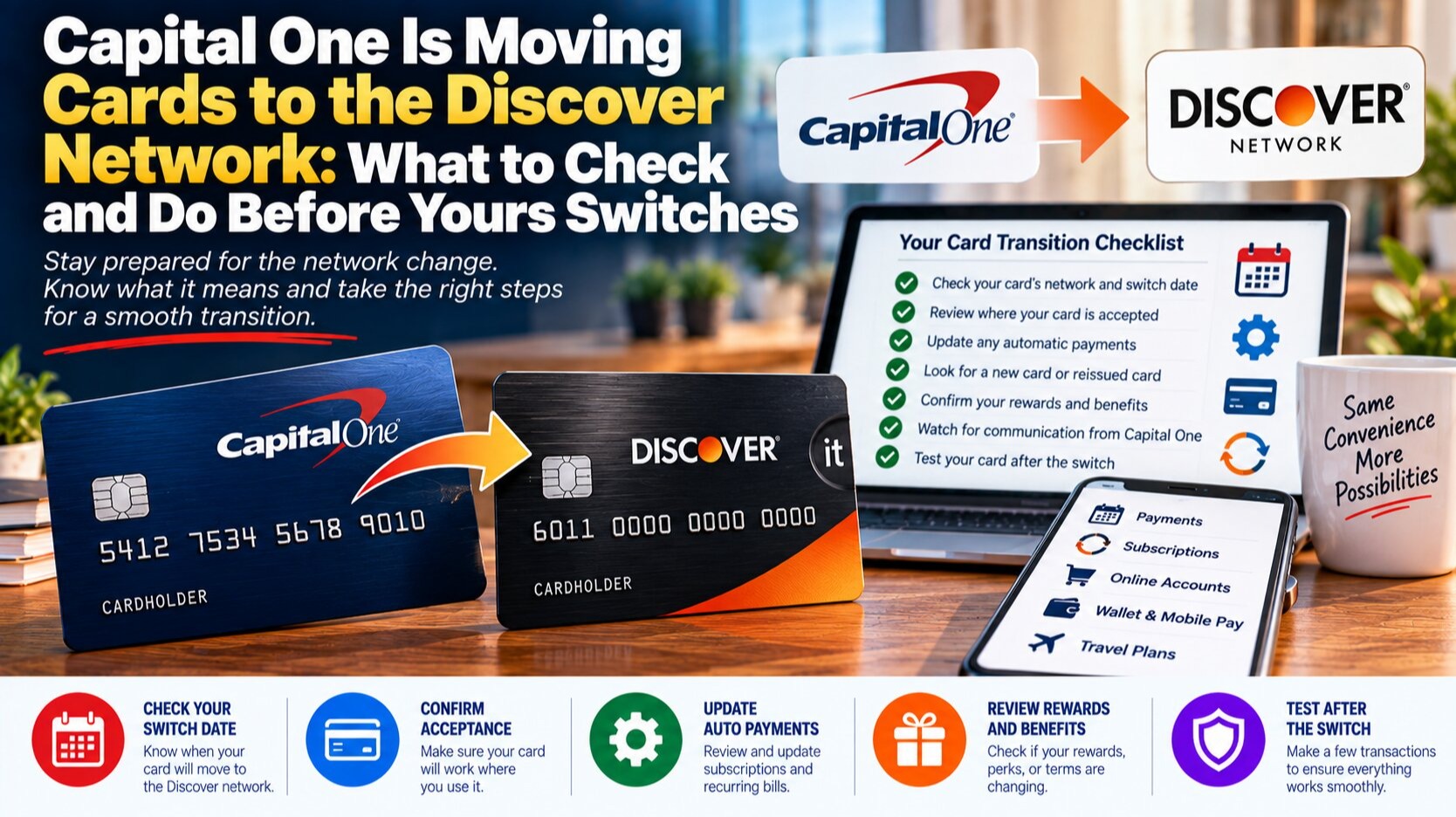
On July 27, 2026, Capital One began migrating Discover cardholder accounts onto its own platform, the first of several waves that will run through 2027, with additional migration waves already scheduled for October and January. At the same time, Capital One has quietly started issuing new Venture, VentureOne, Savor, SavorOne, Quicksilver, and QuicksilverOne accounts on the Discover network instead of Mastercard. If you hold any of these cards, or a Discover it Cash Back, Miles, Chrome, Secured, or Student card, your account is either already affected or will be within the next few renewal cycles.
Card numbers, due dates, and rewards balances are carrying over intact, and Capital One says no new annual fees are being introduced as part of the switch. But the network your card runs on determines which purchase protections you get, how your card is treated by certain merchants, and, if you travel, whether it works at all. Some cardholders are already losing benefits they didn't know were tied to the network rather than the card itself. Here's exactly what's changing, how to check your own accounts, and what to do before your card switches.
What's Actually Changing (and What Isn't)
This is a merger integration, not a new product launch, so most of the changes are happening in the background. Your account number generally stays the same unless you're issued a physical replacement card, your due date and billing cycle don't move, and any card stored with a merchant for autopay or recurring charges should keep working without you re-entering details. Rewards earn rates are staying put for now, and Discover cashback or miles balances are transferring over to your Capital One account rather than expiring.
What does change is the network stamped on the front of the card, and that's not a cosmetic detail. Visa, Mastercard, and Discover each set their own rules for merchant acceptance, foreign transaction handling, and cardholder benefits like rental car insurance, extended warranties, and purchase protection. When your card moves from one network to another, you inherit that network's rulebook, even though the card issuer and your credit line haven't changed.
Which Cards Are Affected
Not every Capital One or Discover product is moving, and the timeline differs depending on which side of the merger your card started on. The table below reflects where things stand as migration continues through the rest of 2026 and into 2027.
| Card | Previous Network | New Network | Status |
|---|---|---|---|
| Discover it Cash Back / Miles / Chrome | Discover | Capital One platform | Migrating in waves since July 27, 2026 |
| Discover it Secured | Discover | Capital One platform | Migrating in waves |
| Discover it Student Cash Back / Chrome | Discover | Capital One platform | Migrating in waves |
| Capital One Venture / VentureOne (new accounts) | Mastercard | Discover | New accounts issued on Discover now |
| Capital One Savor / SavorOne (new accounts) | Mastercard (World Elite) | Discover | New accounts lose World Elite perks |
| Capital One Quicksilver / QuicksilverOne (new accounts) | Mastercard | Discover | New accounts issued on Discover now |
| Capital One Venture X | Visa | Visa | No change |
| Capital One Spark (business cards) | Mastercard | Mastercard | No change |
| Co-branded cards (Kohl's, REI, T-Mobile, Bass Pro/Cabela's) | Varies | Unchanged for now | Not part of this migration wave |
How to Check Whether Your Card Is Affected
- Log into your online account or app and look at the card art and network logo directly — Capital One has been updating the digital card image before the physical card arrives in some cases.
- Check for a migration notice in your account's message center or recent statements; Capital One and Discover have both been sending advance notice letters roughly 30 to 60 days before an individual account moves.
- If you applied for a Venture, Savor, or Quicksilver card recently, check the network logo on the card itself rather than assuming it's Mastercard, since new approvals are increasingly being issued on Discover.
- Call the number on the back of your card if you're unsure — representatives can confirm your account's current network and tell you if a migration date has been scheduled.
- If you use a card at automatic toll readers, transit systems, or subscription services that historically only accepted specific networks, test the card at a low-stakes purchase before relying on it for something time-sensitive.
What You Might Lose: World Elite Mastercard Perks
The clearest casualty so far is the World Elite Mastercard tier that came bundled with cards like Savor and SavorOne. That tier included cell phone protection, extended warranty coverage, certain travel and purchase protections, and access to Mastercard's concierge and experiences platform. Discover's network doesn't have an equivalent tiered benefits structure, so cardholders whose accounts move over are reportedly losing those protections even though the card name, rewards rate, and annual fee stay the same.
This matters more than it might seem, because these protections rarely show up anywhere except the fine print of a benefits guide you probably never read when you opened the card. If you've been relying on Mastercard's cell phone protection to cover a cracked screen, or extended warranty coverage to add a year onto an appliance purchase, check whether that benefit survives the migration before you need to file a claim and discover it doesn't.
If a benefit was tied to the network rather than the card product itself, it doesn't automatically transfer when the network changes underneath you.
How to Prepare Before Your Card Switches
- Read the migration notice in full. Capital One and Discover are required to disclose material changes to terms; the notice will specify your new network and any benefit changes, even if the headline message emphasizes what's staying the same.
- Download or screenshot your current benefits guide. Once your card migrates, the old Mastercard or Discover benefits guide may no longer be easy to find on the issuer's site, and you'll want a record of what you had if you need to dispute a lost benefit.
- Update saved payment methods selectively. Most stored cards keep working through a network switch, but subscription services tied to specific card verification systems occasionally flag the change; check your two or three most important recurring charges after migration.
- Re-verify travel insurance and rental car coverage before a trip. If you were counting on primary rental car insurance or trip protection through a World Elite Mastercard benefit, confirm in writing (chat transcript or email) whether that coverage is still active on your migrated card.
- Keep a backup card in your wallet during the transition. A short gap between old and new card activation, or a merchant terminal that hasn't updated its network settings, is a reasonable time to carry a second card as a fallback.
If You Travel Internationally: What to Know About Discover Acceptance
This migration has an outsized effect on anyone who travels outside the US, because Discover's global footprint is real but uneven. Discover cards work at more than 44 million merchants across roughly 190 countries and territories through direct acceptance and reciprocal partnerships with Diners Club International, Japan's JCB, and China UnionPay. That sounds comprehensive, but acceptance varies sharply by country, and it's nothing close to Visa or Mastercard's near-universal coverage.
In the UK, acceptance is generally described as moderate rather than reliable — you'll find it at larger retailers and hotel chains more often than at independent shops or smaller transit systems. Across continental Europe, it's genuinely hit or miss: merchants in Greece and Poland tend to recognize Discover and its Diners Club partnership readily, while acceptance in France is sparse enough that you shouldn't plan around it. Australia and similar markets fall into Discover's own "low acceptance" category, meaning you should treat it as a backup rather than a primary card there. Canada generally accepts Discover more consistently than Europe or Australia, given geographic and banking ties to the US, but it's still worth carrying an alternative.
The practical takeaway for Tier 1 travelers — whether you're in the UK, the EU, Australia, New Zealand, or Canada — is the same one experienced travelers already follow: never travel internationally with only one network in your wallet. If your Capital One card has moved to Discover, pack a Visa or Mastercard as backup, and check ahead of a trip which of your specific merchants (hotel chains, rail operators, car rental companies) publicly confirm Discover or Diners Club acceptance in your destination country.
Who Should Actually Be Worried, and Who Shouldn't
If you use your card exclusively for everyday domestic spending — groceries, gas, streaming subscriptions, online shopping — this migration is close to a non-event for you. Card networks are accepted almost universally within the US regardless of brand, rewards rates aren't changing, and your due dates and statement cycle are untouched. The people who should actually pay attention are frequent international travelers, anyone who has specifically relied on Mastercard World Elite benefits like cell phone protection or extended warranties, and small business owners who route recurring vendor payments or point-of-sale systems through a card number that a merchant's system might flag differently under a new network.
Common Mistakes to Avoid
- Assuming your card's rewards program is changing along with the network — so far, earn rates and redemption values are unaffected by the migration itself.
- Ignoring the migration notice because it arrived alongside routine marketing mail; these letters contain your actual transition date and are worth keeping.
- Waiting until you're mid-trip abroad to discover your card isn't accepted where you assumed it would be.
- Filing a benefits claim (cell phone protection, extended warranty) without first confirming whether your card still carries that specific network-tied benefit post-migration.
- Closing an older card reflexively out of confusion about the switch — closing accounts can affect your credit utilization and the average age of your credit history, so don't do it without a specific reason.
Practical Tips for the Months Ahead
Set a calendar reminder to re-check your card's network logo roughly 90 days from now, since the bulk of remaining migrations are scheduled for October and January. If you're due for a card renewal or replacement in that window, expect it to arrive on the new network by default. Keep your old benefits guide saved somewhere retrievable, and if a specific protection matters to a purchase you're about to make — a rental car, an expensive electronics purchase, an international trip — it takes five minutes to call and confirm coverage is still in place rather than assuming it carried over.