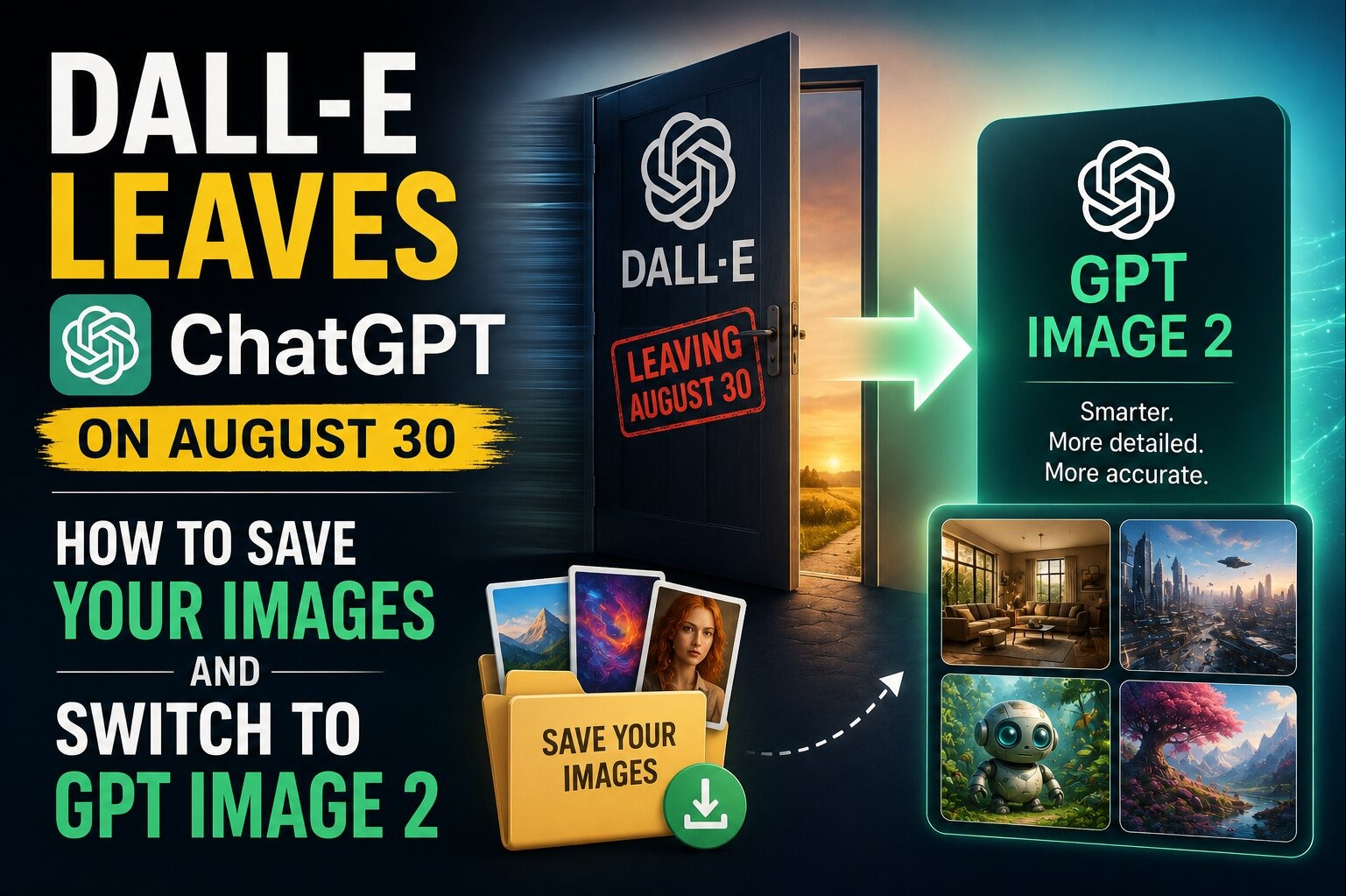
Why DALL-E Is Disappearing From ChatGPT
OpenAI is retiring the official DALL-E GPT inside ChatGPT on August 30, 2026. The company has told users to download any images they want to keep before the deadline hits, and it hasn't said what happens to images sitting inside old DALL-E GPT conversations once the tool is gone. If you generated logos, blog graphics, product mockups, or social posts through that specific GPT and never saved them anywhere else, this week is your last real chance to grab them.
The retirement isn't really about image generation going away. It's a redirect. OpenAI has spent 2026 pushing users toward ChatGPT Images, which now runs on GPT Image 2, a model that launched back on April 21, 2026, and has since become the company's flagship for anything visual. Custom GPTs that other users built with image generation enabled aren't affected by this change; it's specifically the original, official DALL-E GPT that's being sunset. If you use AI images for your business, your blog, your Etsy shop, or your side hustle, here's exactly what to do before Sunday and how to get more out of the tool that replaces it.
DALL-E GPT vs. ChatGPT Images: What Actually Changes
The shift from the old DALL-E GPT to GPT Image 2 inside ChatGPT Images isn't a downgrade, but the workflow and the pricing both look different. Here's how the two compare on the details that matter most to someone using AI images for content or commerce.
| Feature | DALL-E GPT (retiring Aug 30) | ChatGPT Images / GPT Image 2 |
|---|---|---|
| Access point | Separate GPT you had to open | Built directly into the main ChatGPT chat window |
| Text rendering in images | Frequently garbled multi-word text | Accurately renders logos, signage, and multi-word text, including non-Latin scripts like Japanese and Arabic |
| Editing existing images | Limited, often regenerated from scratch | Built-in editing and iterative refinement in the same thread |
| Underlying model | DALL-E 3 | GPT Image 2 (launched April 21, 2026) |
| Cost per image (approx.) | Around $0.04 for a standard 1024x1024 image | Ranges from about $0.011 (low quality) to $0.167 (high quality) depending on settings |
| Composition handling | Solid for single-subject, stylistic images | Stronger with complex, multi-element scenes |
How to Download and Save Your DALL-E Images Before August 30
Don't wait until the last day. OpenAI hasn't guaranteed you'll be able to reopen old DALL-E GPT conversations after the cutoff, so treat this like a real deadline, not a soft suggestion.
- Open ChatGPT and go to your conversation history; search for "DALL-E" to surface every thread where you used that specific GPT.
- In each conversation, click or tap every image you generated and use the download icon to save the full-resolution file to your device.
- Rename files as you save them (e.g., "logo-final-v2.png" instead of the default string) so you can find them later without reopening ChatGPT.
- Back up the downloaded batch to cloud storage — Google Drive, Dropbox, or an external drive — in case your device is lost or reset.
- If you used any images commercially (product listings, ad creative, packaging mockups), cross-check that you also have the source prompt saved, so you can recreate or vary the image later in GPT Image 2.
- Check custom GPTs you or others built with image generation turned on — those aren't part of this retirement, so images tied to them should still be reachable after August 30.
How to Switch Your Workflow to ChatGPT Images
The good news is that you don't need to learn a new tool. ChatGPT Images lives in the same chat window you already use, which means the switch is really about updating habits rather than downloading anything new. Instead of opening a separate GPT, just describe the image you want directly in a normal ChatGPT conversation, the same way you'd ask a question.
The biggest practical difference is that GPT Image 2 lets you iterate on an image in place. If a product mockup's lighting is off or a logo's proportions look wrong, you can say so in the next message and get a revision instead of starting over with a fresh prompt. That matters for anyone doing repeated small business work — think Etsy listings, YouTube thumbnails, or client social posts — where getting from a rough idea to a usable final image used to take several regenerations.
If your business relies on multilingual or text-heavy graphics — menus, signage mockups, packaging with brand names in more than one language — GPT Image 2's stronger text rendering is worth testing specifically. Run the same prompt you used in DALL-E and compare the output; most users notice cleaner lettering and fewer garbled words on the first try.
What You'll Pay: GPT Image 2 Pricing Explained
If you're on a paid ChatGPT plan (Plus, Pro, Business, Enterprise, or Edu), image generation through ChatGPT Images is included in your subscription the same way DALL-E was, with usage limits that scale by tier. If you're building images through the API instead of the ChatGPT app — for example, to automate product photos for an online store — GPT Image 1 pricing runs roughly $0.011 per image at low quality up to about $0.167 at high quality, compared to the flat $0.04 DALL-E 3 charged per standard image.
That range matters if you're generating images at volume. A batch of 500 low-quality draft images for concept testing costs a fraction of what 500 high-quality final images would run, so it's worth generating rough drafts first and only paying for high-quality renders on the images you'll actually publish.
Who Should Care About This Change
This deadline matters most to a specific set of readers: small business owners who lean on ChatGPT for product mockups or marketing graphics, freelancers and content creators who generate thumbnails or blog art, and anyone who has stored client work inside old DALL-E GPT threads instead of a proper asset folder. If you've only ever used ChatGPT Images directly (not the separate DALL-E GPT), this retirement doesn't affect you at all — you're already on the tool OpenAI wants everyone using.
Common Mistakes to Avoid During the Switch
- Assuming "image generation" and "the DALL-E GPT" are the same thing — only the standalone GPT is being retired, not image generation as a feature.
- Waiting until August 30 itself to start downloading, when server load and your own time constraints could leave images stranded.
- Downloading a low-resolution preview instead of the full-size file, which can hurt print or large-format use later.
- Forgetting to save the prompts alongside the images, making it harder to recreate variations in GPT Image 2.
- Not checking whether images were also generated inside a custom GPT (which is unaffected) versus the official DALL-E GPT (which is going away).
Practical Tips for Protecting Your AI Image Library Going Forward
Treat this retirement as a reminder that any tool built into a chat interface is, at some level, temporary. Set up a habit now so you're never scrambling again: create a dedicated cloud folder for AI-generated business assets, and move new images there within a day or two of generating them rather than leaving them to live only inside a chat thread. If you generate images for a business, keep a simple spreadsheet log with the date, the prompt used, and the file name — it takes thirty seconds per image and saves hours if you ever need to reproduce or vary a graphic later. Finally, if you're paying for images through the API for recurring work like product catalogs, test low-quality settings for internal review rounds and reserve high-quality renders for what actually ships; it keeps costs predictable as your usage grows.