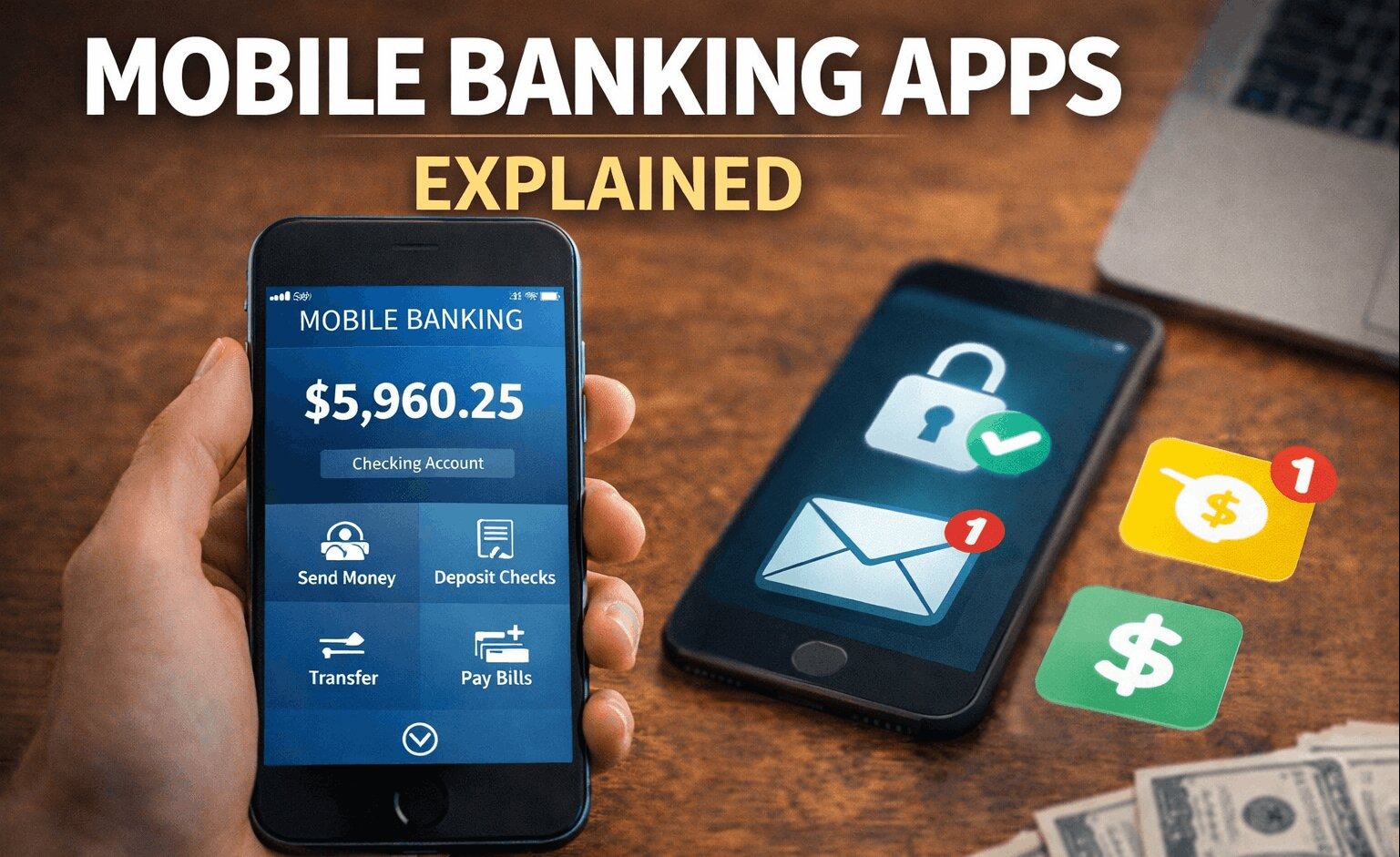
Mobile banking apps have completely changed how people manage money. What once required visiting a bank branch can now be done in seconds from your phone.
From checking balances to transferring money and paying bills, mobile banking apps make financial management faster, easier, and more accessible.
But how do these apps actually work—and are they safe to use?
Let’s break it down in a simple and practical way.
What Is a Mobile Banking App?
A mobile banking app is a smartphone application provided by a bank that allows you to manage your account digitally.
Instead of visiting a branch, you can:
- Check your balance
- Transfer money
- Pay bills
- Deposit checks
- Monitor transactions
All from your phone, anytime.
How Mobile Banking Apps Work
Mobile banking apps connect directly to your bank account through secure systems.
When you log in:
- Your identity is verified (password, biometrics, etc.)
- The app connects to your bank’s servers
- You can access and manage your account
Everything happens in real time, which means your balance and transactions update instantly.
Key Features of Mobile Banking Apps
Modern banking apps offer much more than just basic account access.
Account Management
You can view your balance, track transactions, and monitor spending patterns easily.
Money Transfers
Apps allow you to send money between accounts or to other people quickly.
This includes:
- Internal transfers
- Peer-to-peer payments
- Bill payments
Mobile Check Deposit
Many apps let you deposit checks by simply taking a photo.
This eliminates the need to visit a branch.
Notifications and Alerts
You can receive real-time alerts for:
- Purchases
- Low balances
- Suspicious activity
This helps you stay in control of your finances.
Budgeting Tools
Some apps include built-in tools to help you:
- Track spending
- Set budgets
- Analyze financial habits
Real-World Example
Let’s say Rahul uses a mobile banking app.
- He checks his balance before making a purchase
- Pays his electricity bill in seconds
- Transfers money to a friend instantly
- Gets notified immediately after every transaction
Everything happens without visiting a bank.
Mobile Banking vs Traditional Banking
Mobile banking apps are part of a larger shift toward digital banking.
Compared to traditional banking:
- Faster transactions
- 24/7 access
- No need for physical visits
To understand the bigger picture:
Online Banking vs Traditional Banking
https://statush.com/credit-cards-banking/online-banking-vs-traditional-banking
Security of Mobile Banking Apps
One of the biggest concerns people have is security.
Modern mobile banking apps use advanced protections such as:
- Encryption
- Two-factor authentication
- Biometric login (fingerprint or face recognition)
These features make mobile banking very secure—often safer than traditional methods.
To stay safe:
Credit Card Security Tips
https://statush.com/credit-cards-banking/credit-card-security-tips
Benefits of Mobile Banking Apps
Mobile banking apps offer several advantages.
They save time by eliminating the need to visit branches.
They provide instant access to your financial information.
They help you stay organized with real-time tracking and alerts.
They make managing money more convenient than ever.
Limitations to Consider
Despite the benefits, mobile banking apps are not perfect.
They depend on internet access, which can be a limitation in some situations.
They may not support complex transactions that require in-person assistance.
Some users may also find digital banking less personal compared to traditional banking.
How to Choose the Right Banking App
Not all mobile banking apps are the same.
When choosing one, look for:
- Easy-to-use interface
- Strong security features
- Reliable performance
- Useful tools (budgeting, alerts, etc.)
The best apps are simple, fast, and secure.
Common Mistakes to Avoid
Using mobile banking is easy—but there are some risks if you’re not careful.
Avoid logging in on public Wi-Fi without protection.
Don’t share your login details with anyone.
Always log out when using shared devices.
Ignoring app updates can also expose you to security risks.
Tips for Using Mobile Banking Safely
To use mobile banking securely:
- Enable two-factor authentication
- Use strong passwords
- Keep your app updated
- Monitor your transactions regularly
These habits reduce the risk of fraud and keep your account safe.
A Simple Way to Think About It
A mobile banking app is like having your bank in your pocket.
It gives you control, speed, and convenience—all in one place.
Final Thoughts
Mobile banking apps have made managing money easier than ever. They offer speed, convenience, and powerful tools that simplify everyday financial tasks.
While they come with some limitations, the benefits far outweigh the drawbacks for most users.
As long as you follow basic security practices, mobile banking can be a safe and efficient way to handle your finances.
In today’s digital world, it’s not just an option—it’s quickly becoming the standard way to bank.