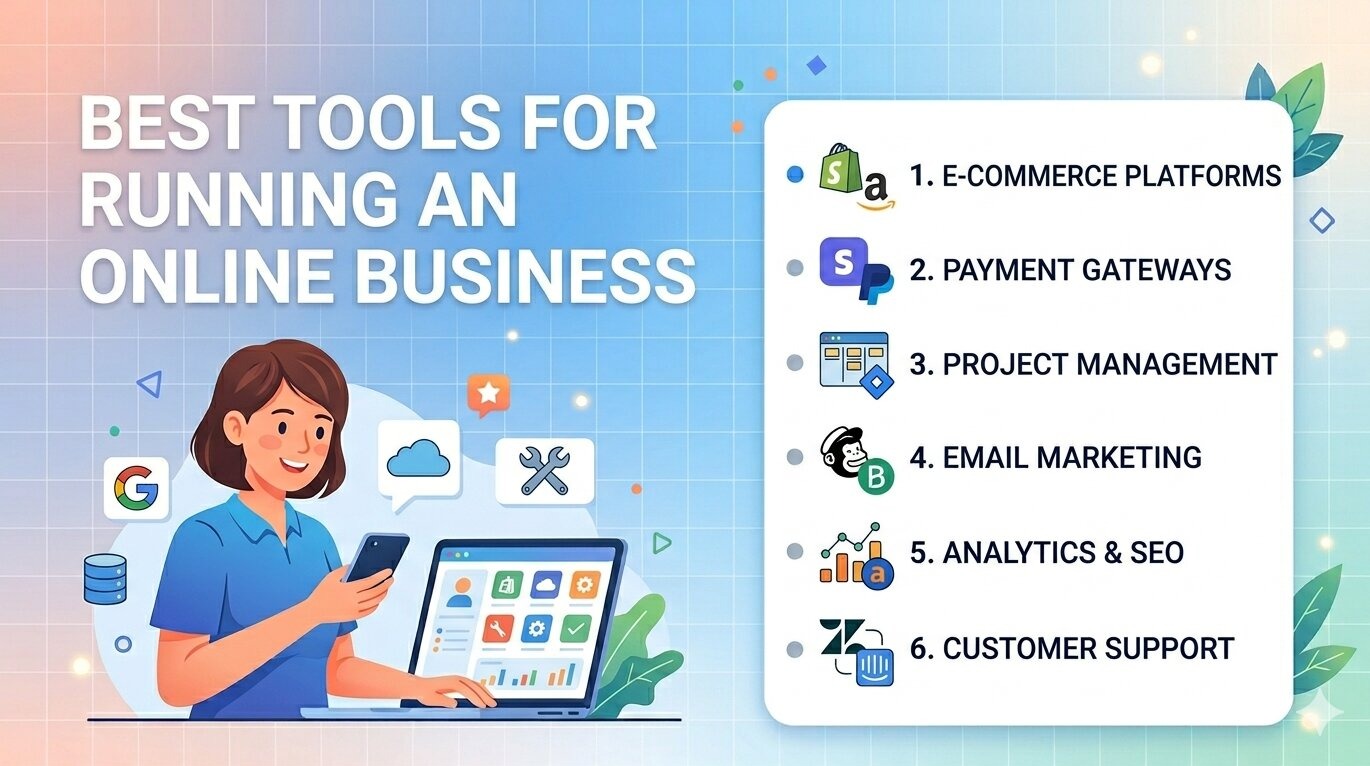
Running an online business today is easier than ever—but only if you use the right tools. Without them, you’ll waste time, miss opportunities, and struggle to scale.
The goal isn’t to use more tools. It’s to use the right tools that simplify operations, improve efficiency, and support growth.
Let’s break this down in a practical, real-world way.
Why Tools Matter in Online Business
The right tools help you:
- Save time
- Automate repetitive tasks
- Improve productivity
- Scale operations
Real insight
Successful U.S. businesses rely on systems and tools—not just effort.
If your business isn’t structured yet, start here:
How to Build a Scalable Business Model – https://statush.com/business/how-to-build-a-scalable-business-model
1. Website & E-commerce Platforms
Your website is your digital storefront.
Popular tools:
- Shopify (e-commerce)
- WooCommerce (WordPress-based stores)
- Wix / Squarespace (simple websites)
Best for:
- Selling products
- Building an online presence
Practical tip
Choose a platform that’s easy to manage and scalable.
2. Payment Processing Tools
You need a reliable way to accept payments.
Common options:
- Stripe
- PayPal
- Square
Why it matters
Smooth payment experience increases conversions.
3. Marketing & Automation Tools
Marketing tools help you attract and convert customers.
Tools:
- Mailchimp / Klaviyo (email marketing)
- HubSpot (CRM + marketing)
- Meta Ads Manager / Google Ads
Use for:
- Campaign management
- Customer engagement
- Lead nurturing
4. Social Media Management Tools
Managing multiple platforms manually is inefficient.
Tools:
- Buffer
- Hootsuite
- Later
Benefits:
- Schedule posts
- Track performance
- Stay consistent
5. SEO & Analytics Tools
Data helps you grow smarter.
Tools:
- Google Analytics
- Google Search Console
- Ahrefs / SEMrush
Why it matters
You understand what’s working and what’s not.
6. Customer Support Tools
Good support builds trust and retention.
Tools:
- Zendesk
- Freshdesk
- Intercom
Practical tip
Quick responses improve customer satisfaction.
7. Project & Task Management Tools
Organization is key for productivity.
Tools:
- Trello
- Asana
- ClickUp
Use for:
- Task tracking
- Team collaboration
- Workflow management
8. Accounting & Finance Tools
Managing money properly is critical.
Tools:
- QuickBooks
- Xero
- Wave
Benefits:
- Expense tracking
- Financial reporting
- Tax preparation
For financial management:
How to Manage Business Finances Effectively – https://statush.com/business/how-to-manage-business-finances-effectively
9. Communication Tools
Clear communication keeps teams aligned.
Tools:
- Slack
- Microsoft Teams
- Zoom
Best for:
- Team communication
- Meetings
- Collaboration
10. Automation & Integration Tools
Automation saves time and reduces manual work.
Tools:
- Zapier
- Make (Integromat)
Use for:
- Connecting apps
- Automating workflows
Example
Automatically send customer data from your website to your email system.
Online Business Tools Overview Table
| Category | Purpose | Popular Tools | Best For |
|---|---|---|---|
| Website/E-commerce | Online presence | Shopify, WooCommerce | Selling products/services |
| Payments | Accept payments | Stripe, PayPal | Smooth transactions |
| Marketing | Customer acquisition | Mailchimp, HubSpot | Campaigns & engagement |
| Social media | Content scheduling | Buffer, Hootsuite | Consistency |
| SEO & analytics | Data tracking | Google Analytics, SEMrush | Optimization |
| Customer support | Customer service | Zendesk, Intercom | Retention |
| Project management | Task organization | Trello, Asana | Productivity |
| Finance | Money management | QuickBooks, Xero | Financial control |
| Communication | Team collaboration | Slack, Zoom | Team management |
| Automation | Workflow automation | Zapier, Make | Efficiency |
Common Tool Mistakes
Let’s be honest—many businesses misuse tools.
Avoid:
- Using too many tools
- Paying for tools you don’t use
- Not integrating systems
- Choosing complex tools unnecessarily
- Ignoring training
How to Choose the Right Tools
Ask:
- Does this tool save time?
- Does it improve efficiency?
- Is it easy to use?
- Does it integrate with my system?
Practical tip
Start simple—upgrade as your business grows.
Connecting Tools with Business Growth
Tools support every part of your business.
To grow your business:
How to Grow a Small Business Faster – https://statush.com/business/how-to-grow-a-small-business-faster
To build systems:
How to Build Standard Operating Procedures (SOPs) – https://statush.com/business/how-to-build-standard-operating-procedures-sops
To scale operations:
How to Scale a Startup Step-by-Step – https://statush.com/business/how-to-scale-a-startup-step-by-step
Final Thoughts
Tools don’t build businesses—how you use them does.
Focus on:
- Simplicity
- Efficiency
- Integration
Start with essential tools, master them, and expand gradually.
Because in today’s digital world, the businesses that grow fastest aren’t the ones working harder—they’re the ones working smarter with the right tools.