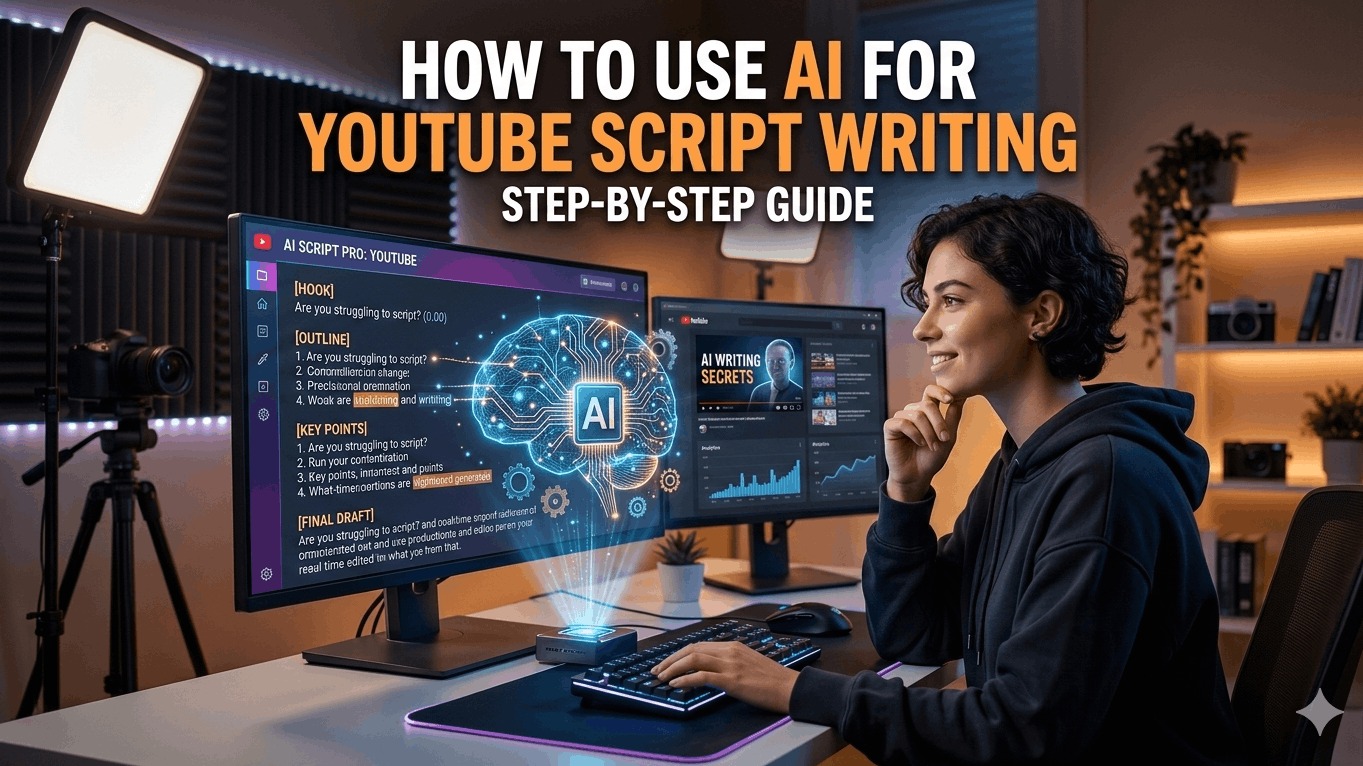
AI is transforming YouTube script writing by speeding up ideation, structuring content, and adding engaging hooks while preserving your unique voice. This guide walks you through practical steps, tools, and best practices to leverage AI effectively.
Why Use AI for Scripts
AI tools like ChatGPT, Jasper, and specialized generators such as vidIQ or Subscribr cut script creation time from hours to minutes. They generate outlines, hooks, and full drafts tailored to your niche, helping beginners overcome blank-page syndrome and pros scale output. The result: higher viewer retention as scripts include proven elements like strong intros and calls-to-action (CTAs).
Choosing the Right AI Tool
Select tools based on your needs—free options like ChatGPT for basics or paid ones like Poppy AI for YouTube-specific templates.
- Free: ChatGPT, Restream AI Generator—great for quick prompts.
- Specialized: vidIQ AI Script Generator (enter idea, get intro/body/CTA); Subscribr (niche templates trained on viral scripts).
- Advanced: Jasper or InVideo AI for tone customization and script-to-video workflows.
| Tool | Best For | Free Tier? | Key Feature |
|---|---|---|---|
| ChatGPT | Custom prompts, outlines | Yes | Train on your past scripts |
| vidIQ | Full scripts from ideas | Limited | One-click refinements |
| Subscribr | Niche templates (e.g., reviews) | No | Viral script training |
| Jasper | Engaging, audience-tailored | Trial | Quick generation |
Step-by-Step Guide
Step 1: Brainstorm and Outline
Start with a prompt like: "Create a detailed outline for a 10-minute YouTube video on [topic], including hook, 3 main points, examples, and CTA." AI expands your idea into sections—hook (first 15 seconds to grab attention), body, and close. Example for a fitness channel: Hook—"What if one exercise fixed your back pain forever?"—followed by points, anecdotes, and proof.
Step 2: Generate the Full Script
Input your outline: "Expand this outline into a conversational script for my [niche] channel, using my voice: energetic, storytelling style." Tools like Poppy AI use templates from 21-page guides for hooks that retain 91% of viewers past 15 seconds. Add specifics: target audience, length (e.g., 1500 words for 10-min video), and keywords for SEO.
Step 3: Customize and Polish
AI drafts are 80% done—edit for authenticity. Read aloud to fix robotic phrasing; inject personal stories. Use prompts like: "Rewrite this section to sound like [YouTuber name], add humor." Fact-check claims, as AI can hallucinate. Tools like InVideo let you paste scripts for voiceover previews.
Step 4: Optimize for YouTube
- Hooks: Generate 5 options, A/B test thumbnails/titles.
- Pacing: Aim for 120-150 words/minute; mark pauses with ellipses.
- SEO: Include keywords naturally; end with CTA like "Subscribe for more."
- Workflow hack: Use Google Sheets to trigger AI via status columns, auto-sending drafts to Slack.
Advanced Techniques
Train AI on your style: Upload past transcripts to ChatGPT custom GPTs, then prompt: "Write like my last 5 videos." For niches like education or reviews, Subscribr's frameworks handle research/outlining in <10 minutes. Automate with Zapier: Sheet idea → AI script → Google Doc. Experiment with tones—casual, authoritative—to match audience.
Combine tools: Outline in ChatGPT, script in vidIQ, polish in Jasper. Track performance: Scripts from these methods boost views by hooking early and retaining via structure.
Common Mistakes to Avoid
Don't copy-paste raw AI output—it sounds generic and hurts retention. Over-rely on one tool; test multiples for variety. Skip human edits at your peril—AI lacks your brand's soul. Ignore length: Short scripts for Shorts, detailed for long-form.
Integrating with Production
Export scripts to teleprompters or InVideo for visuals/voiceovers. Use AI for thumbnails/titles too: "Generate 10 clickbait-free titles for [script hook]." This full-funnel approach scales channels efficiently.